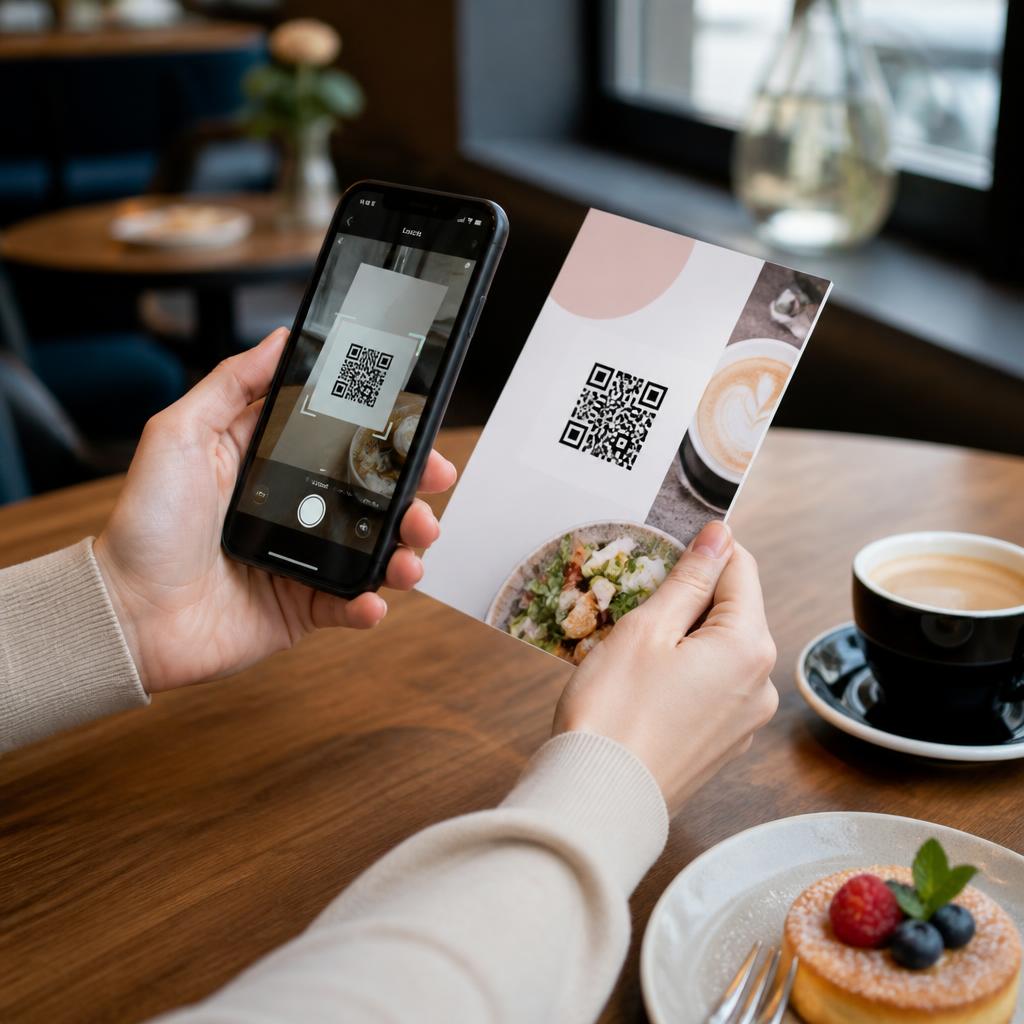
QR codes had a moment during Covid and never really left. They're now standard on restaurant menus, event flyers, business cards, and retail signage across Dublin. Used well, a QR code on a printed piece is a powerful bridge between physical and digital. Used badly, it's visual clutter that nobody scans. Here's how to get it right — from the team at Copyprint.ie, your Dublin print shop on Dame Street.
What Makes a Good QR Code Placement
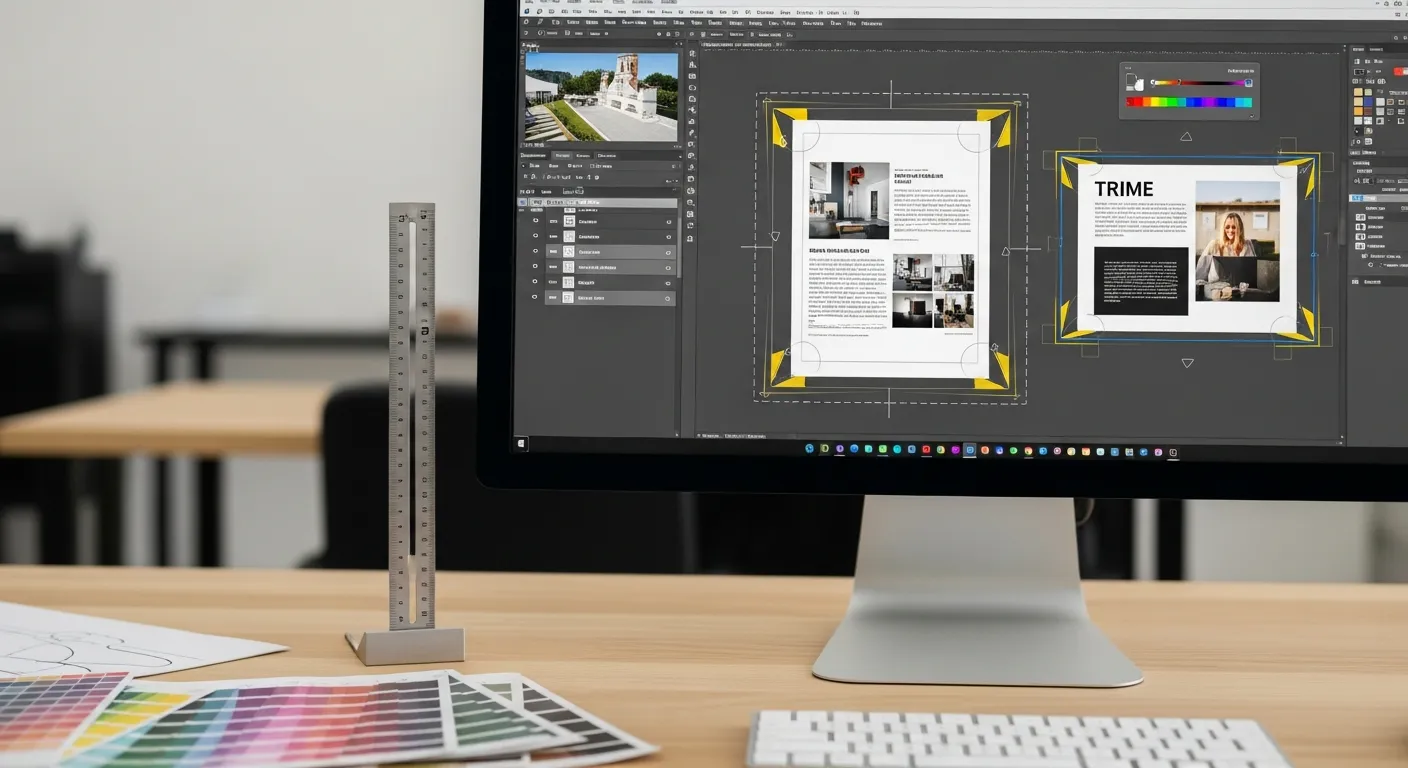
The single most important rule: give the QR code enough white space. A QR code crammed into a corner surrounded by other design elements won't scan reliably. The code needs a clear white border of at least 4mm on all sides — called the quiet zone — and surrounding design elements should not intrude on it.
Size: A QR code on a printed piece should be at least 2cm x 2cm. Smaller than that and it won't scan consistently from a typical arm's length. On larger formats like PVC banners or posters, scale it up proportionally — the code needs to be scannable from the distance someone will actually stand when they see it.
Which Printed Materials Work Best With QR Codes
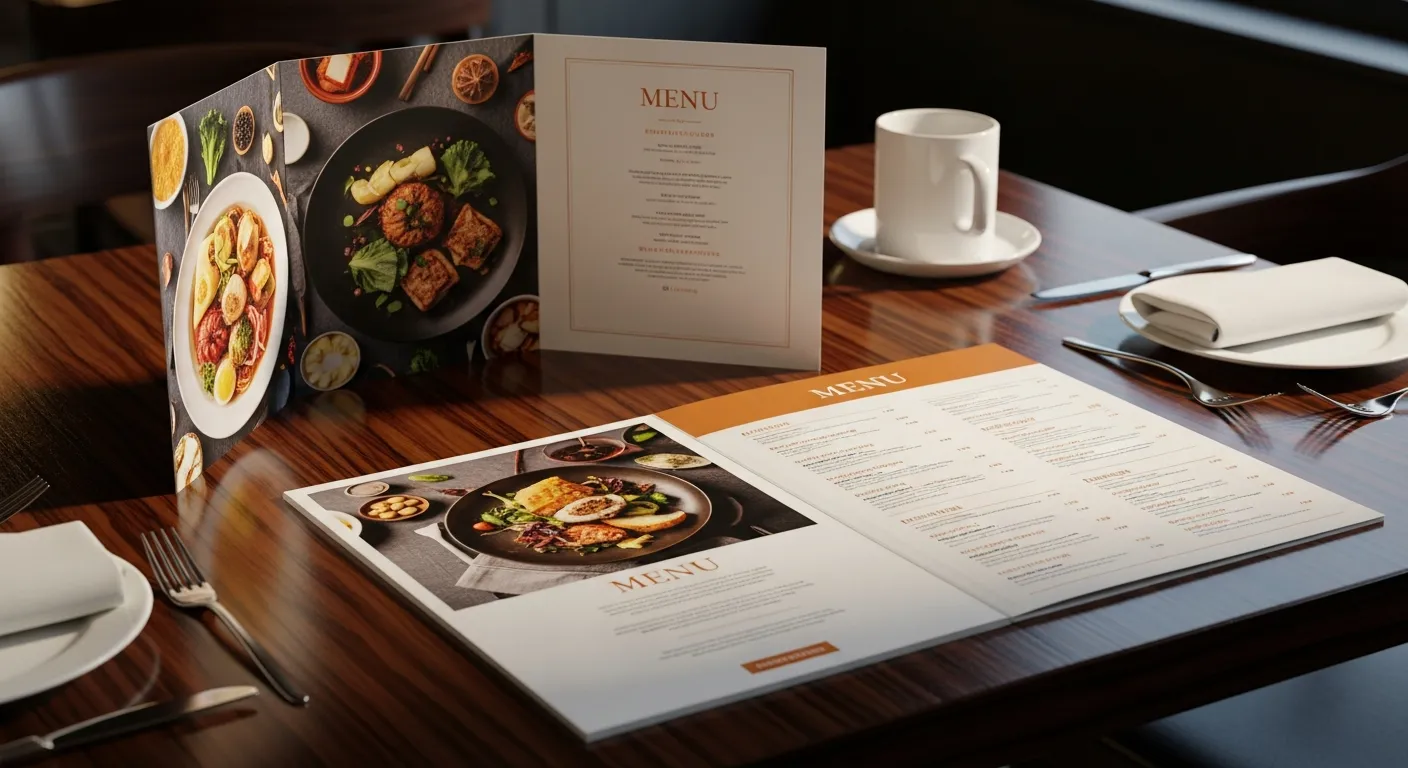
Restaurant menus: QR codes linking to an online menu, allergen information, or a booking page work extremely well. The customer is already holding the printed menu and their phone is nearby. This is probably the most effective QR code use case in print.
Business cards: A QR code on the back of a business card can link to your LinkedIn, portfolio, website, or a digital business card (like Linktree or a vCard). Saves space on the card face and adds utility. Works best on cards going to tech-comfortable audiences.
Event flyers: Linking to a ticket booking page, event details, or a Facebook event. Essential for events — the QR code converts a printed flyer into a direct booking channel.
Posters: Window display posters with a QR code linking to your website, menu, or booking page are increasingly common for Dublin retail and hospitality. Make the code large enough to scan through glass.
Stickers and labels: Product labels with QR codes linking to ingredient information, provenance stories, or reorder pages are growing fast in the food, beauty, and wellness sectors.
When NOT to Use a QR Code
If there's no clear reason for the scan. A QR code that just links to your homepage is almost never worth scanning. The destination needs to offer something specific and immediate: a booking, a menu, a discount, a download.
If your audience won't scan. A QR code on a flyer targeting older demographics or rural audiences may get low engagement. Know your audience.
If the print environment doesn't support it. A QR code on a fast-moving vehicle, a t-shirt, or a surface that's too small to hold the phone steady to scan is wasted.
Generating and Testing Your QR Code
Use a reliable QR code generator — QR Code Generator, Canva, or Adobe Express all produce clean codes. If you use a dynamic QR code (where the destination URL can be changed after printing), make sure you're using a reputable service you'll maintain — a dead QR code on printed material is worse than no QR code.
Always test the code on multiple devices before sending your file to print. Test it at the same size it will appear in the final print — not on screen.
Print Spec for QR Codes
Colour: Black on white is the most reliable. Dark on light always. Never light on dark — many phone cameras struggle. A dark navy or charcoal on cream will usually work, but test it first.
Minimum size for print: 2cm x 2cm. Larger for anything viewed from more than 1 metre.
Resolution: Your QR code should be in your artwork as an SVG or high-resolution PNG (300 DPI at print size minimum). A screenshot of a QR code saved at screen resolution will print blurry and may not scan.
Quiet zone: 4mm clear white border on all sides, enforced in your artwork — don't rely on surrounding white space on the page.
If you're adding a QR code to a file you're sending to us at Copyprint.ie, check our print-ready checklist and make sure the code is high resolution. Need same day printing in Dublin with a QR code on your materials? Call 01 677 4234 or email [email protected]. We're at 29-30 Dame St, Dublin 2. Mon–Fri 9am–5pm.