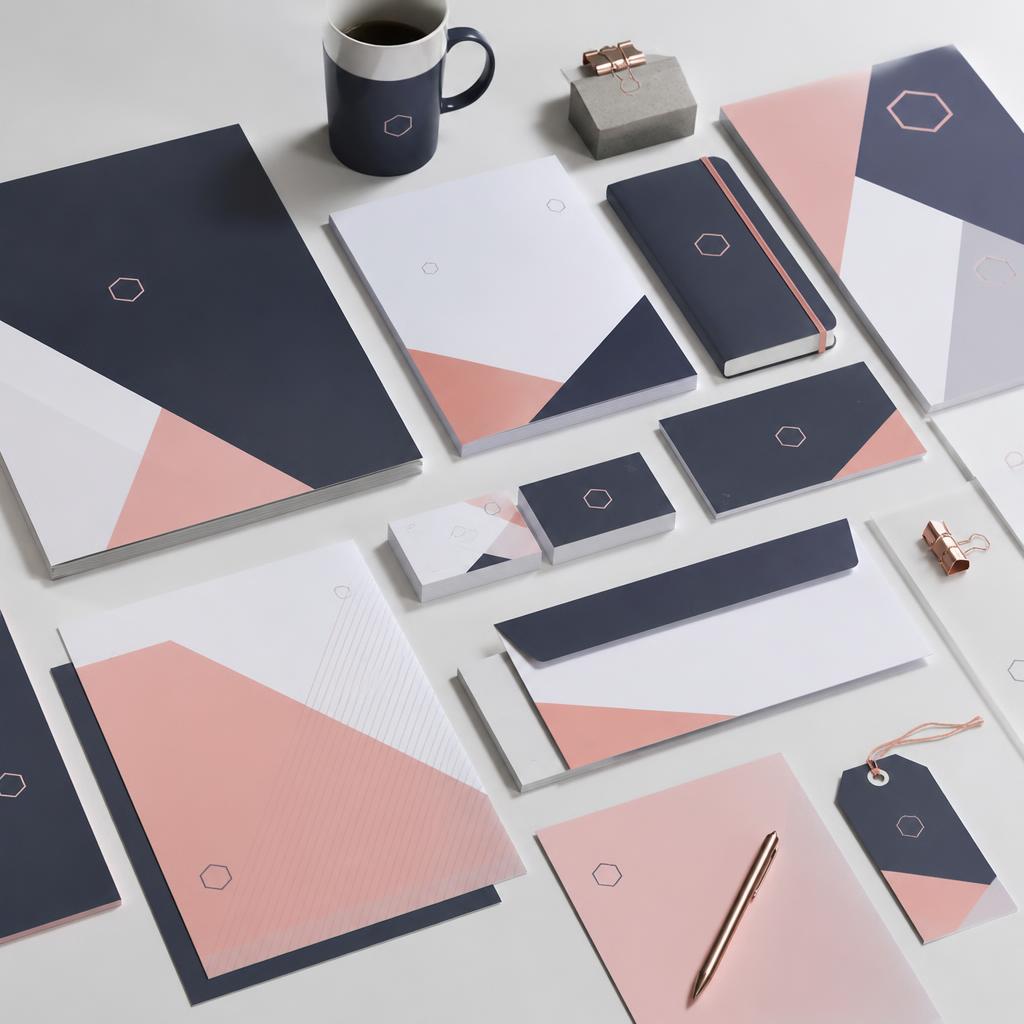
Walk into any professional Dublin business and the print tells you something immediately — whether that brand is under control or not. Business cards, letterhead, flyers, signage, and booklets that clearly belong together signal professionalism and attention to detail. Mismatched fonts, a logo that looks different across pieces, and colours that drift between jobs do the opposite — they make a business look disorganised even when the business itself is anything but. Here's how to get it right, from the team at Copyprint.ie, your Dublin print shop on Dame Street.
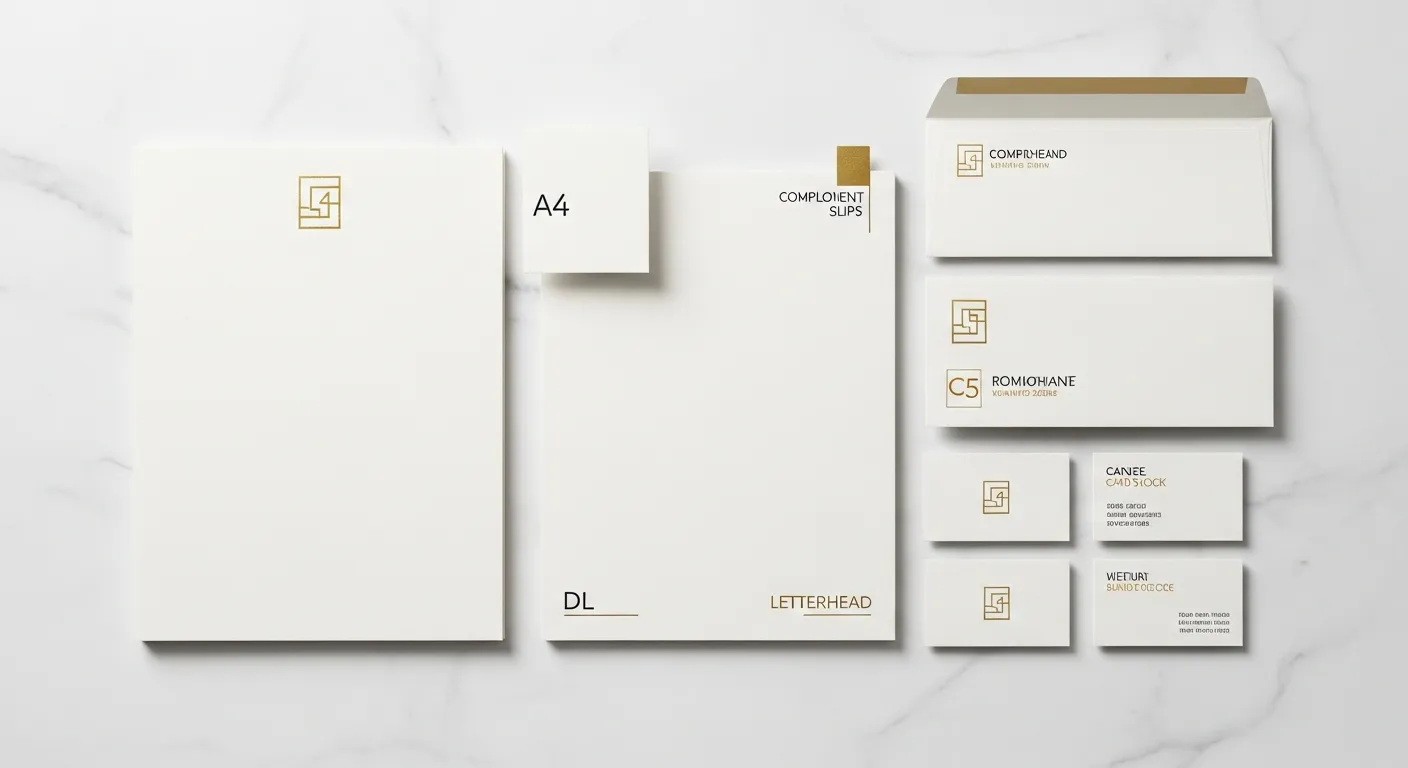
Step 1: Create a Brand File — Your Single Source of Truth
Before you print anything, you need one document that defines your brand. A full brand guide is ideal, but for most small businesses, a simple file with four things is enough to maintain consistency across all your printed materials in Dublin:
Your logo files in vector format. Vector files (AI, EPS, or SVG) scale to any size without losing quality. A PNG with a transparent background is the minimum acceptable format. Never use a JPG of your logo for print — the white background and compression artefacts will appear on printed materials. If you only have a JPG, ask your designer to recreate it as a vector, or contact us and we'll advise. Read our guide on print-ready file preparation for more detail on file formats.
Your exact brand colours in CMYK. Not HEX (that's for screens). Not RGB (that's for screens). CMYK values for every colour in your brand — written down and stored in your brand file. A HEX colour like #1A73E8 does not convert cleanly to CMYK in every design tool. If you don't specify CMYK values, different printed pieces will come out slightly different shades from different print runs. See our guide on CMYK vs RGB for exactly why this matters and how to convert correctly.
Your typefaces — name, weight, and size. The font names, weights (Regular, Medium, Bold), and standard sizes used for headings, body text, and supporting text across all materials. If you're using a paid font, store the font file so you can share it with any designer or supplier working on your print.
Basic logo usage rules. Minimum size (below which the logo becomes illegible), clear space around the logo, approved background colours. A half-page of simple rules that prevent your logo from being squeezed into a corner or placed on a clashing background.
Step 2: Apply the Same Standard Across Every Piece
The most common cause of brand inconsistency is using different tools and different people for different pieces. Canva for flyers, a freelancer for business cards, a template someone found for letterhead. Each produces a slightly different result, and the difference accumulates into incoherence over time.
The fix is simple: centralise. Use one designer, one design system, or one template set for all your print. If you design your own materials in Canva, use the Brand Kit feature to lock your colours and fonts — they can't drift if they can't be changed.
For business stationery — letterheads, compliment slips, branded envelopes — the standard is to match your business card exactly. Same logo placement, same brand colour, same typeface, same proportional spacing. They should look like siblings, not strangers.
Step 3: Manage Colour Consistency Across Print Jobs
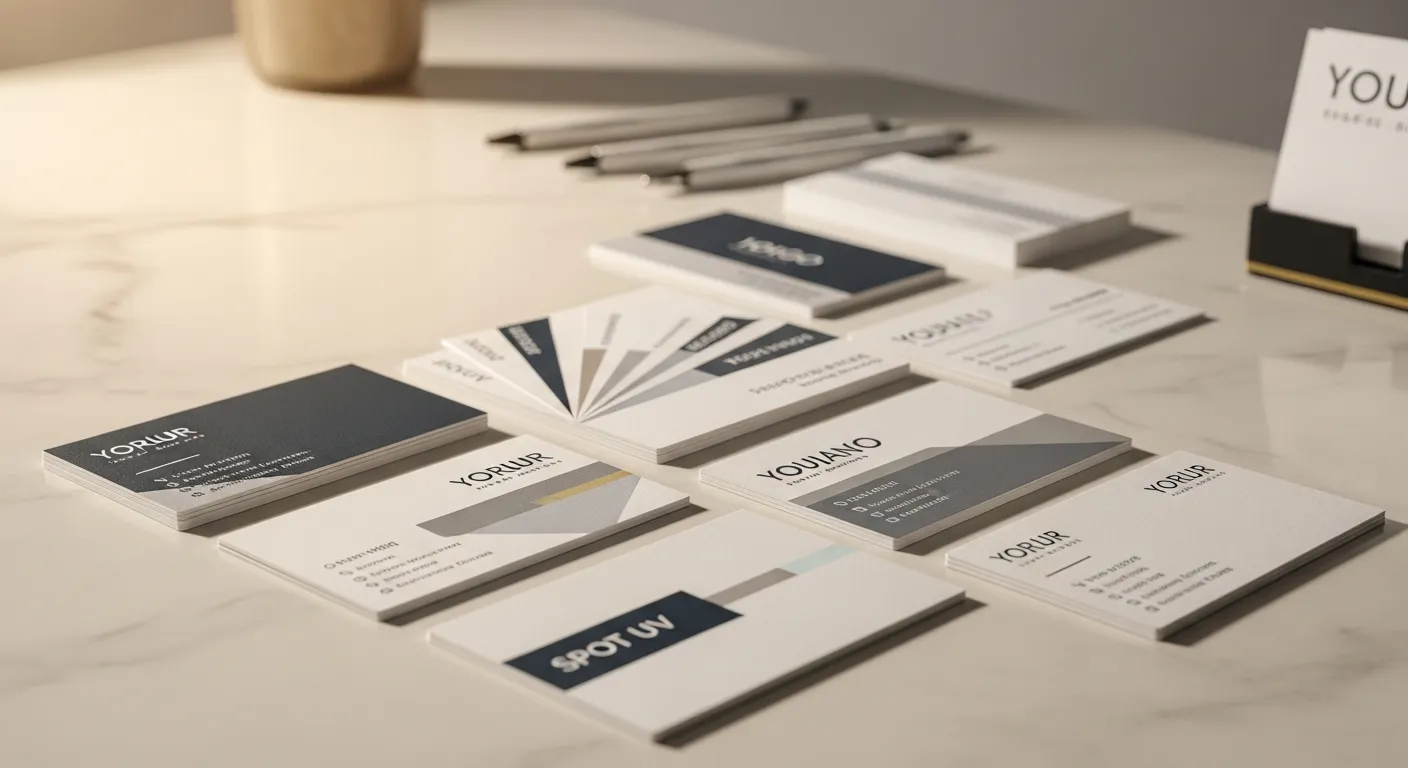
Colour management is where most businesses unknowingly lose consistency, and it's worth understanding why. The same CMYK values printed on different paper stocks will look slightly different — a rich navy on 100gsm uncoated letterhead looks different from the same navy on 400gsm gloss-laminated business card. This is normal. It's physics — ink absorbs differently into different substrates. The goal isn't pixel-perfect matching across stocks; it's visual consistency that's close enough for everything to clearly belong together.
What you can control: always supply the same CMYK colour values across every file you send to print. Never eyeball it — pick CMYK values, write them down in your brand file, and use them consistently across every job. Tell your printer when pieces need to match closely — if your business cards and letterhead need to look the same shade of navy, flag this when ordering.
Order multiple pieces together when possible. Printing your business cards and letterhead in the same production run on the same press reduces colour variation significantly. It also often reduces cost.
Step 4: Handle Your Logo Correctly
Logos should never be stretched, squeezed, recoloured, or placed on backgrounds they weren't designed for. These are the most immediately visible signs of a brand that isn't under control, and they're the easiest to avoid.
Always use your logo at the correct proportions — never adjust width and height independently. For print, your logo must be at least 300 DPI at the size it appears on the printed piece. If your logo is a raster image (JPG or PNG) and you're printing it large — on an A1 poster or a PVC banner — it will print blurry. A vector logo scales to any size cleanly and is always print-ready.
A Pre-Print Brand Consistency Checklist
Before sending any file to print, check these five things: logo is vector format or minimum 300 DPI at print size; colours are CMYK values from your brand file, not HEX or screen RGB; fonts are embedded or outlined in the PDF; the piece matches the last piece you printed in font, colour, and logo size; bleed and safe zone are correctly set for the print size.
Need a file checked before it goes to print? Email it to [email protected] and we'll review it for free before running the job. We flag colour mode, resolution, bleed, and font issues on every file we receive. Call 01 677 4234 or walk into 29-30 Dame St, Dublin 2. Open Mon–Fri 9am–6pm, Saturday 10am–4pm.
Related printing guides: Printing Near Dundrum Dublin: Same Day Service from Dame Street · Same Day Printing in Dublin - Everything You Need to Know · How to Design the Perfect Business Card in 2025